

After a call FastTrack will generate a custom AI summary. You have the ability to edit this AI summary inline in FastTrack if there are issues with the summary.
Simply just edit the summary inline:
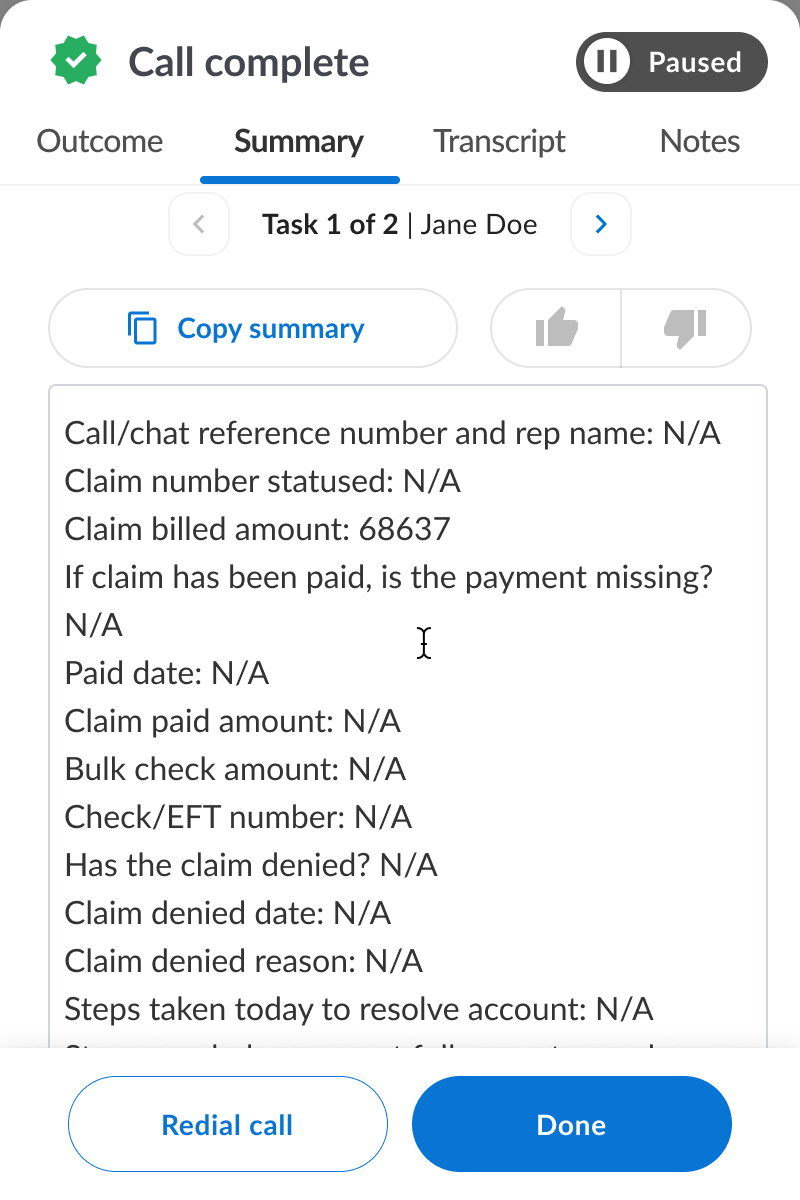
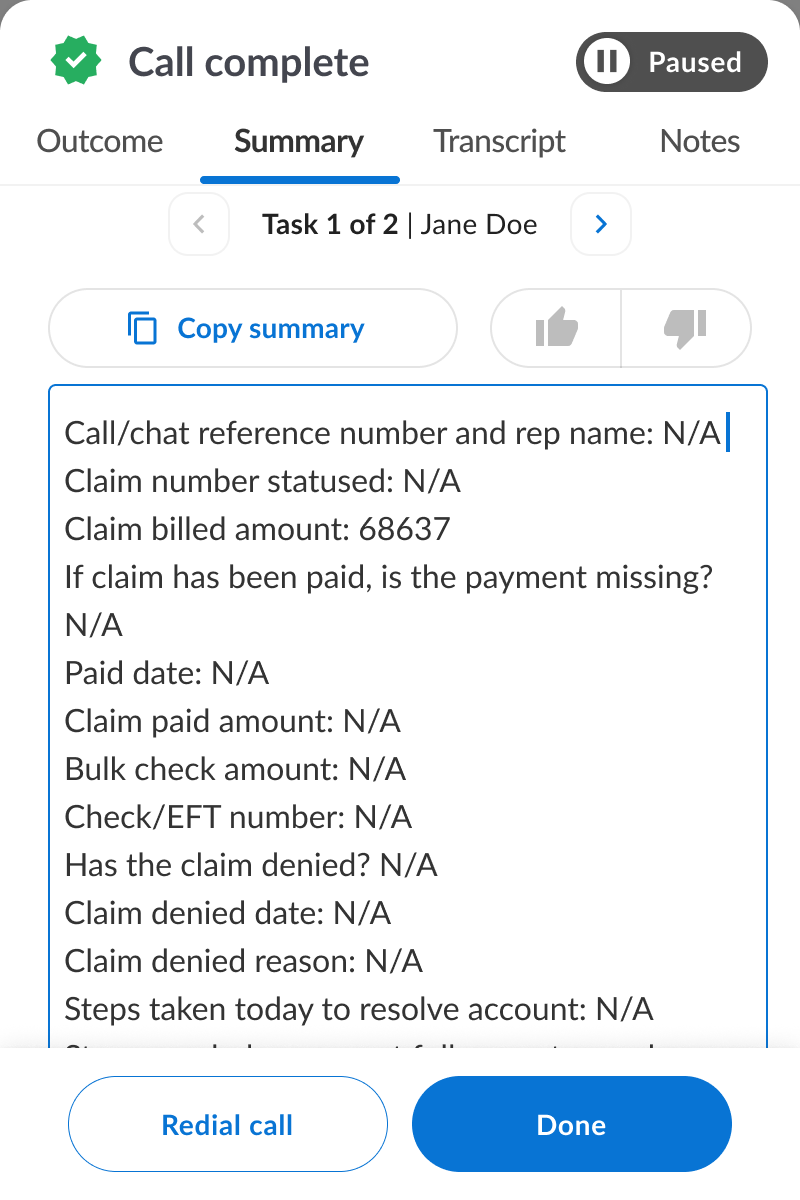
If there are multiple tasks on the call you can edit any one of the task summaries.
You can also reference the transcript and call recording by clicking the “Transcript” tab.
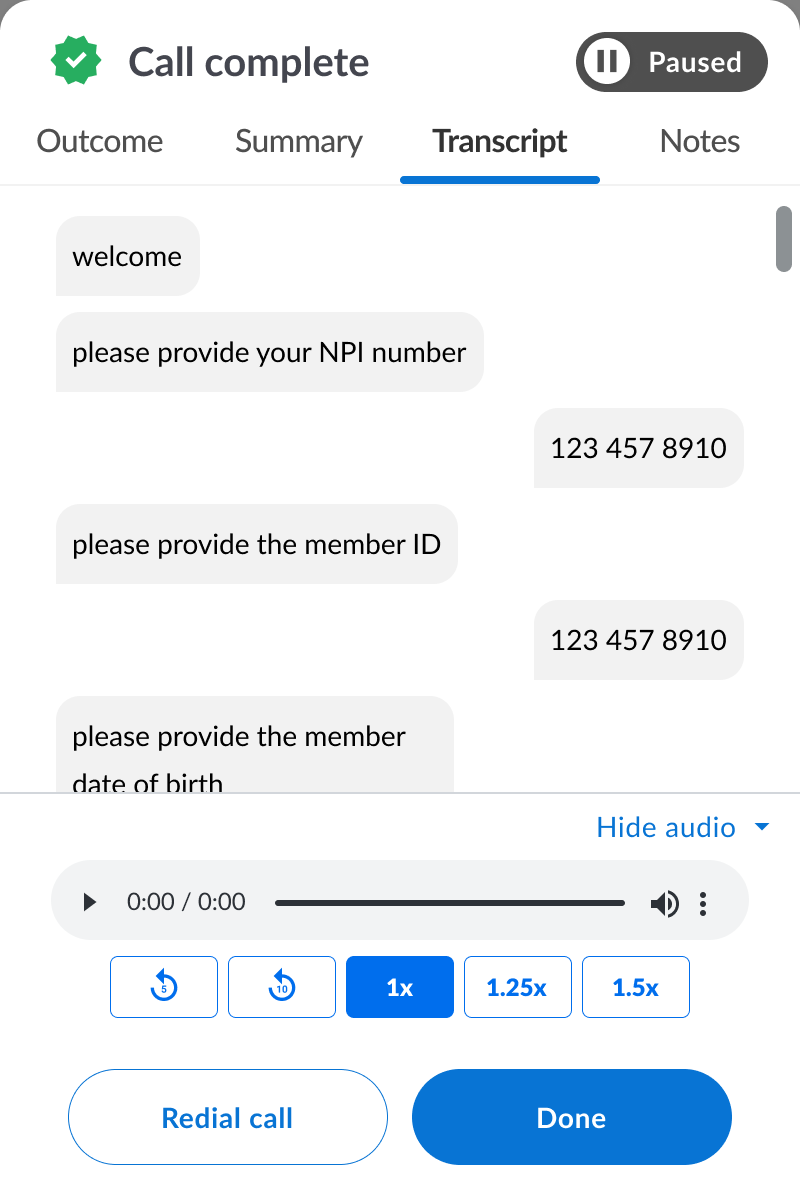
Once you are done with any edits you can simply click “Done” if you are ready for the next call or “Redial call” if you need to redial the call. This will then send any updates you made to your company data system automatically. You only need to make edits in FastTrack and changes propagate automatically to your company data system.