

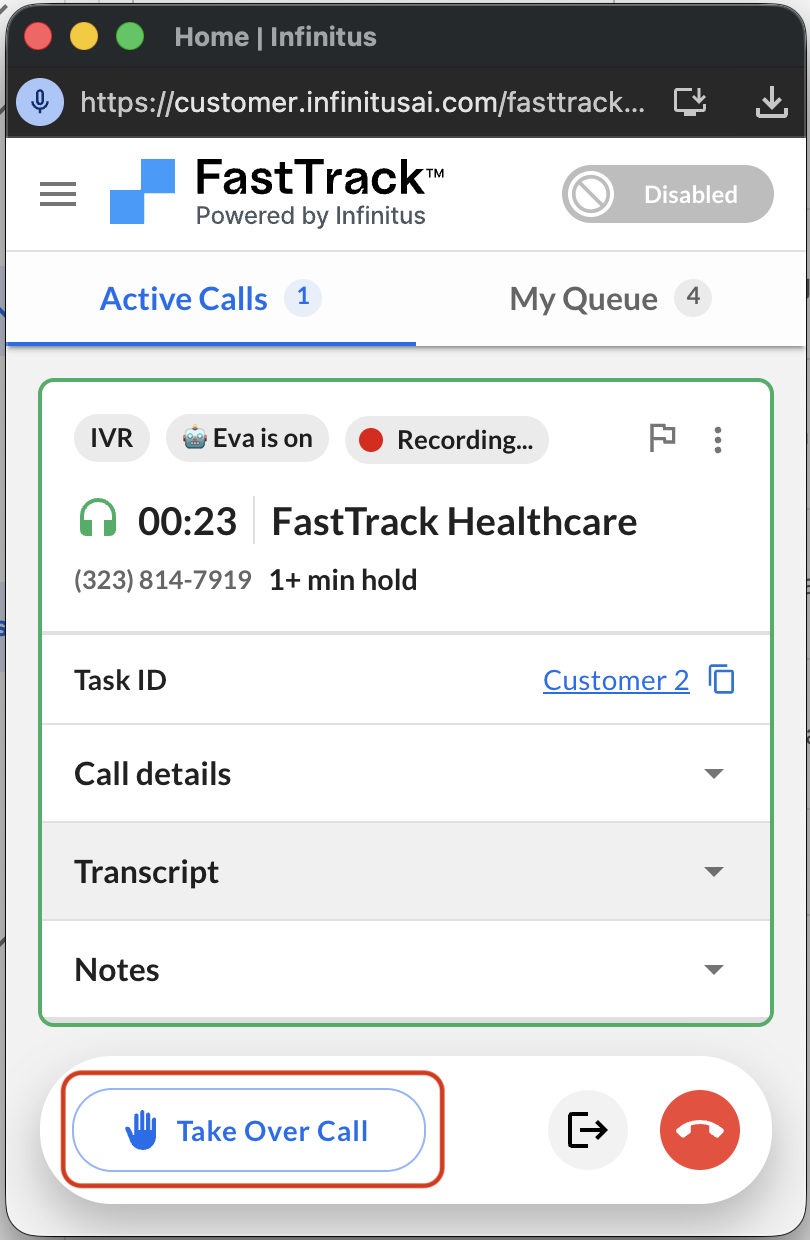
You may need to take over from Eva during a call. You can do so by clicking the “Take over call” button on an active call.
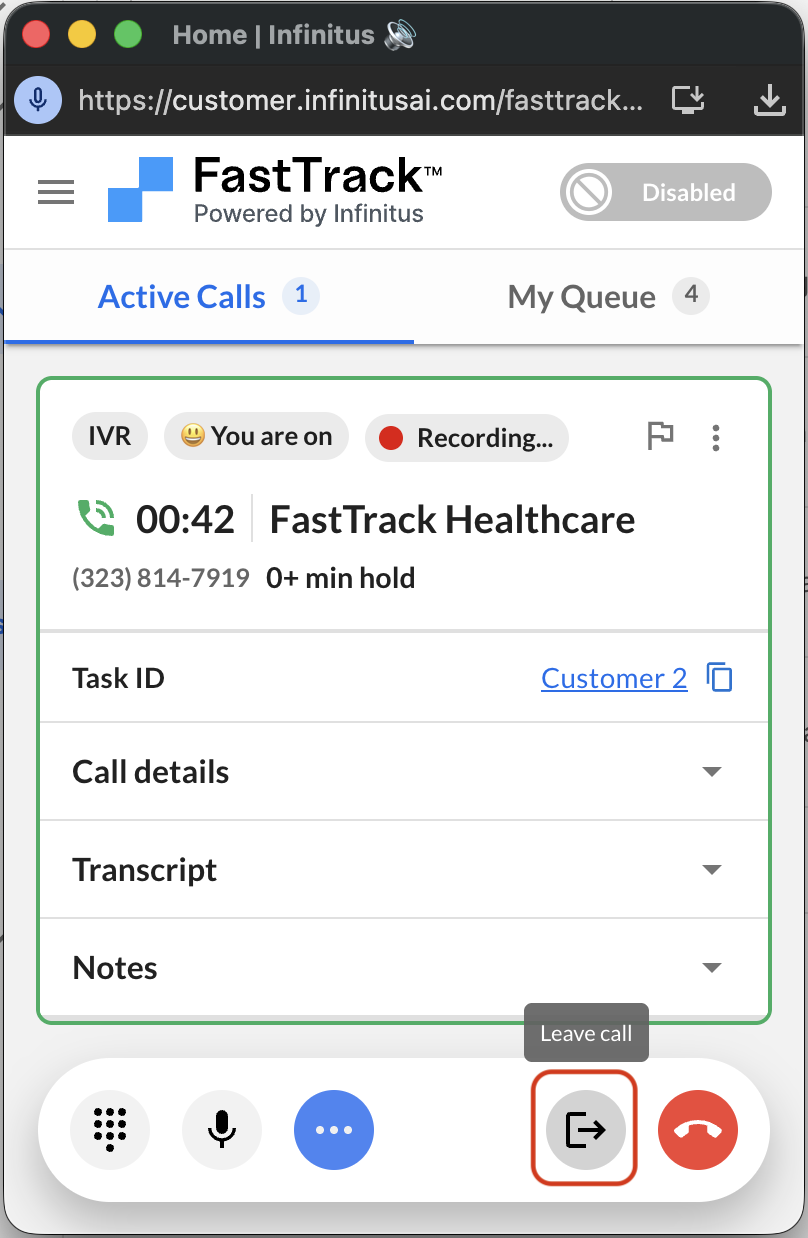
If you then wish to send a call back to Eva during IVR you can simply just leave the call. This will hand the call back to Eva.
If the call has already reached the “Agent connected” phase you can send the call back to Eva by selecting “Send back to IVR” option in the call dropdown menu.
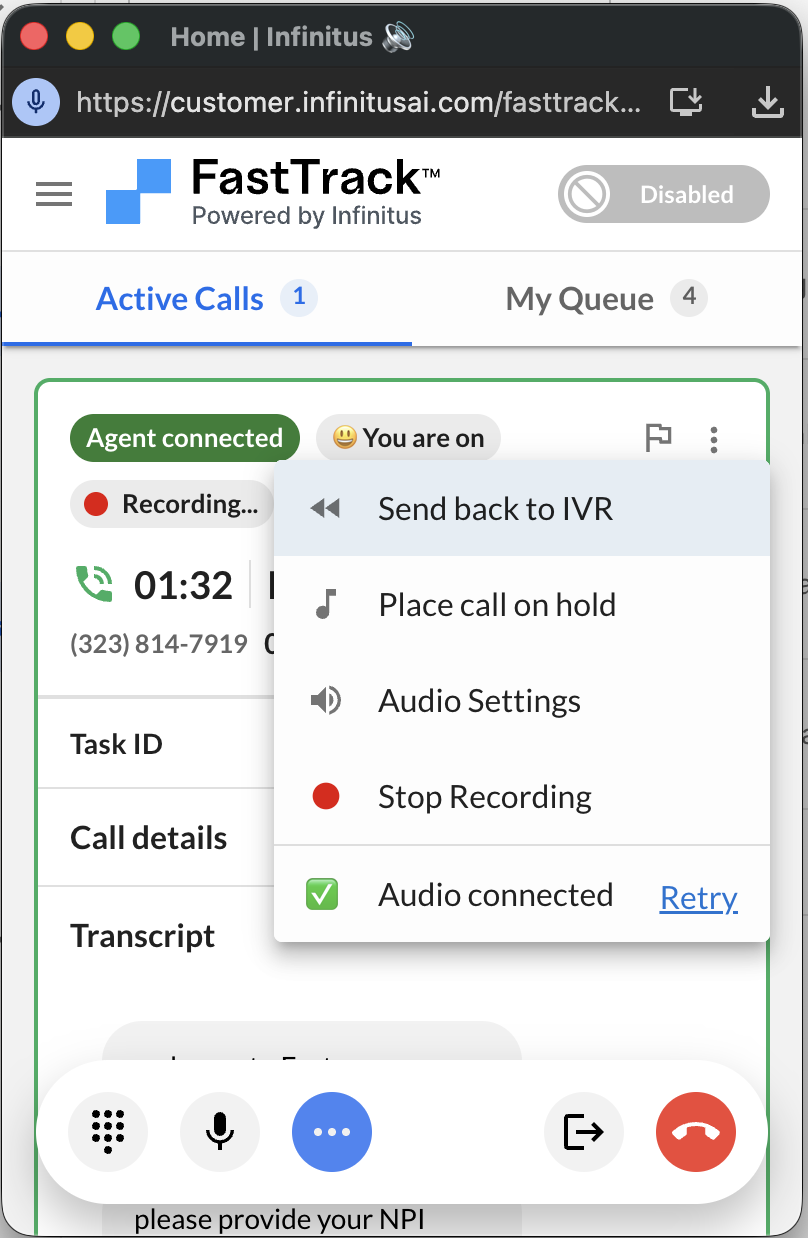
This will send the call back to IVR phase and hand the call back to Eva.
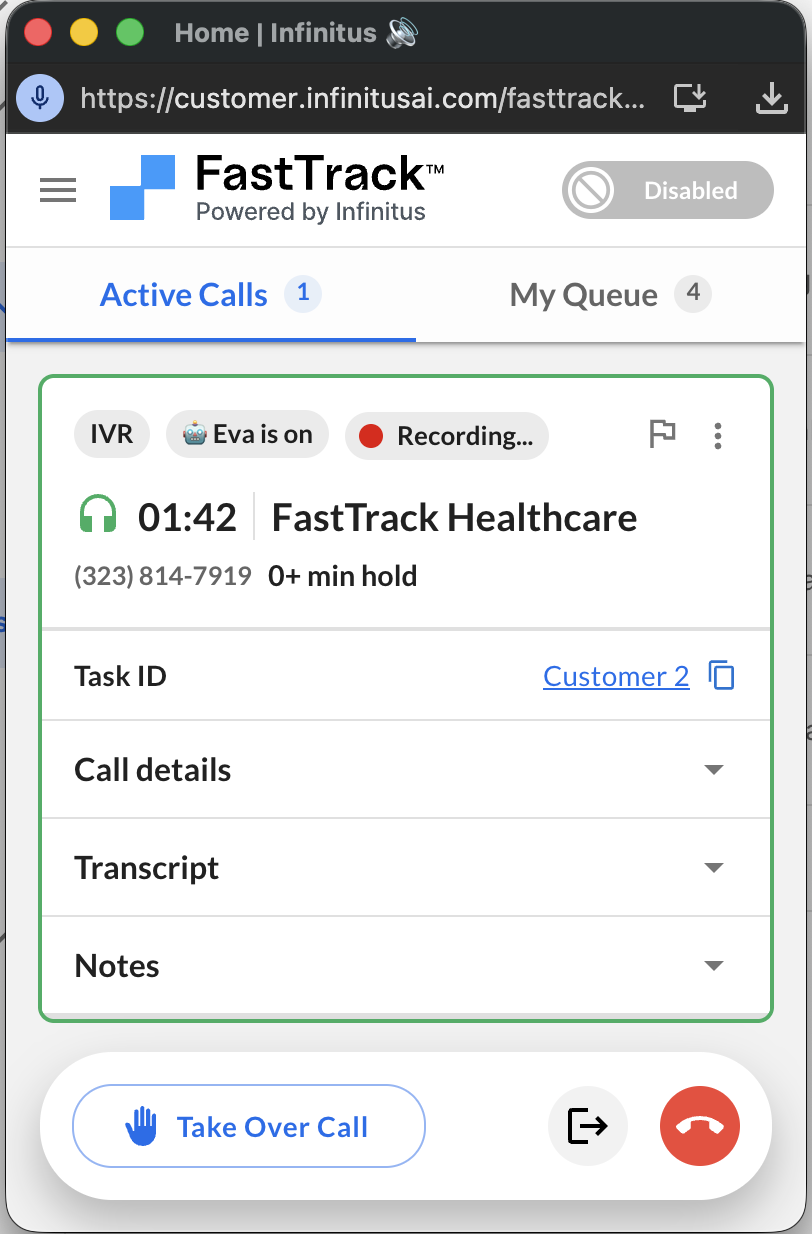
Eva will notify you if you reach an agent again or you can take over the call.